
Business Card to Profile
in 10 Seconds
Don’t want to type? Pull out your card, snap a photo, and our AI handles the rest — pre-populating your name, phone, email, ZIP, service area, and all contact info. Leave it or adjust to custom-fit your business.
Available to paid members — view packages
How Digital Registration Works
Pull Out Your Card
Lay your business card or flyer flat on a dark, contrasting surface. Kitchen counter, desk, car seat — anything that makes the card pop. No glare, no fingers over the text.
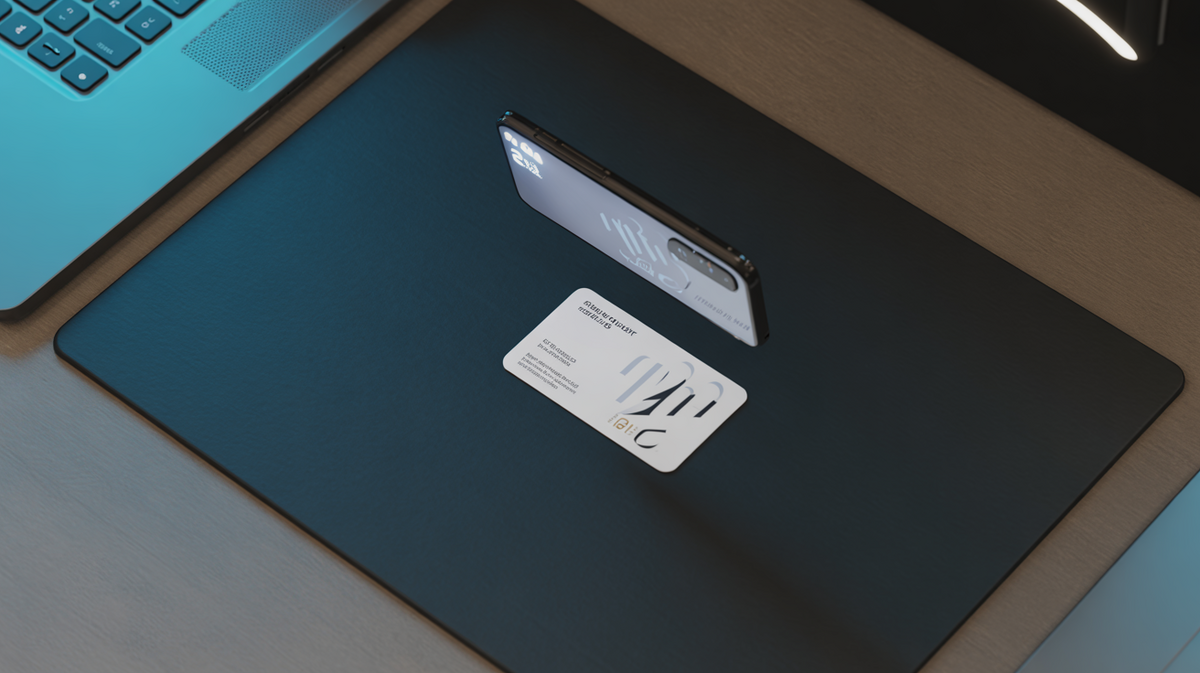
Snap & Extract
Take a photo (or upload one). Our AI reads every field — your name, phone, email, street address, ZIP code, website, services, even the brands you carry. All extracted in about 5 seconds.
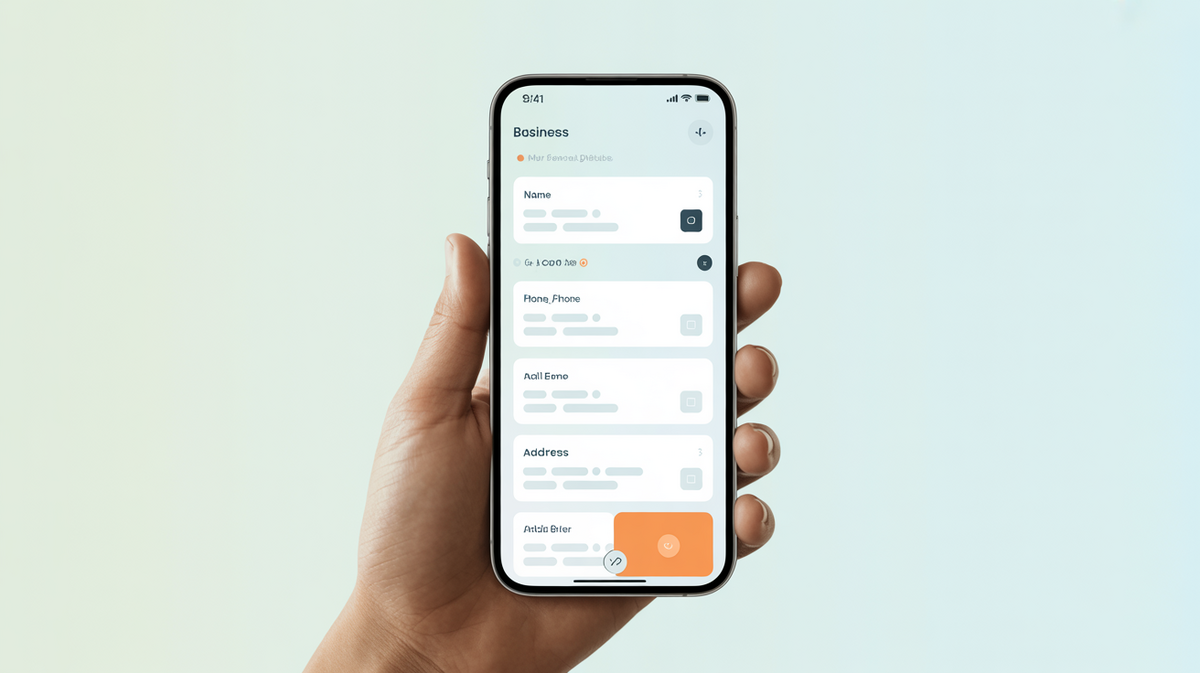
Review & Confirm
Everything pre-populates into the registration form. Leave it as-is or adjust to custom-fit your service area, specialties, or contact info. Hit confirm — done.
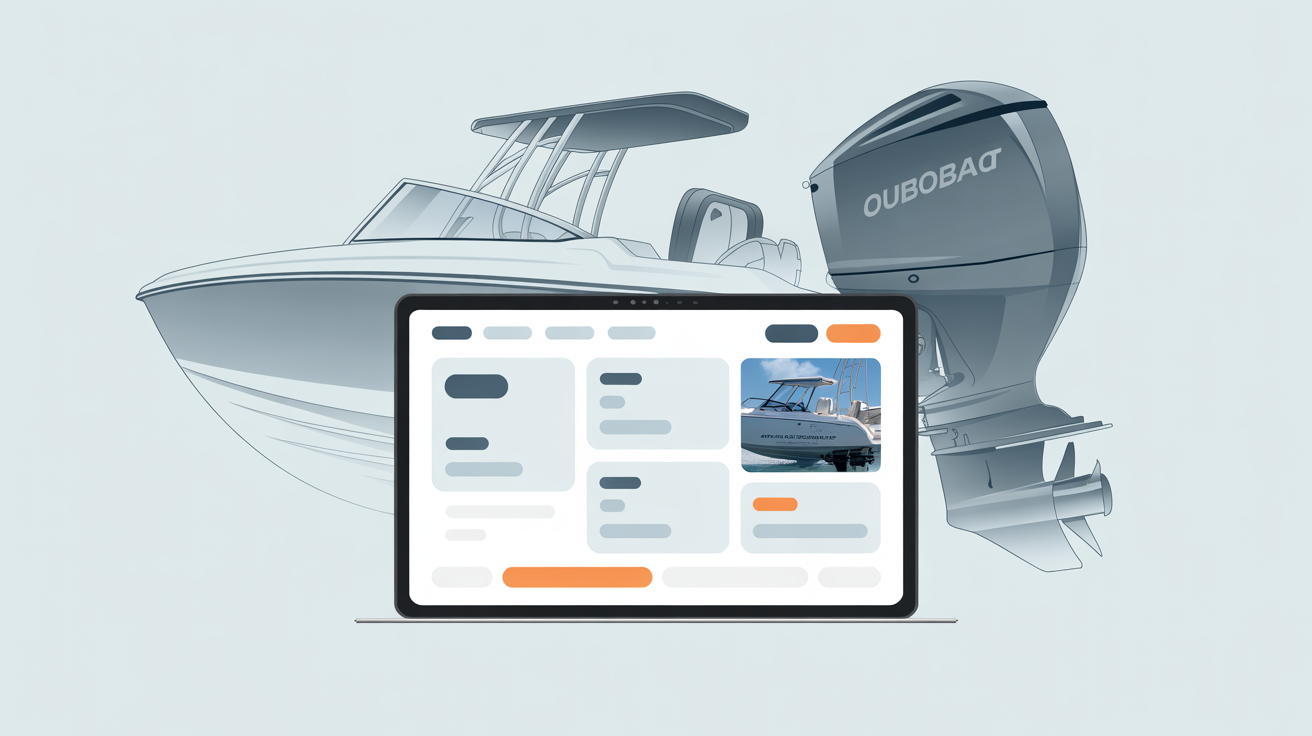
Try It Now
Snap your card, extract your info, and register in one shot. Or type it out the old-school way.
Skip the Typing — Scan Your Business Card
Lay your card flat on a contrasting surface, snap a photo, and our AI extracts your name, phone, email, address, ZIP code, services — everything. Review it, tweak if needed, done.
One Scan, Multiple Registrations
Not in the directory yet? Let’s tackle it all with a simple card scan — including pre-populating your fields, ZIP codes of reach, and all contact info.
Add Your Business to the Directory
Get listed in the Marine Services Directory alongside 27,000+ businesses. Repair shops, marinas, dealers, detailers, fuel docks, marine surveyors — if you serve boaters, you belong here.
Browse DirectoryApply to the Dealer Network
Bulk upload, DMS sync, analytics dashboards, dealer badges. One card scan fills out the entire dealer application.
Dealer NetworkOpen a Seller Profile
Want to sell engines, boats, trailers, or parts? Scan your card, pick a package, and your seller profile is live before your coffee gets cold.
View PackagesBuy Local Ad Space
Already registering? Add hyper-local ads on our forums, partner pages, and directory listings. Geo-targeted to your ZIP and service area.
Ad Zones & PricingYou’re Registered. What’s Next?
Now that your profile is live, here’s what else OutboardLISTINGS.com℠ has for you.
Got a Boat, Motor, or Trailer to Sell?
List it on OutboardLISTINGS.com℠. AI scans, specs auto-fill, goes live in under 60 seconds.
Scan & List NowJoined Our Forums Yet?
Thousands of boaters, mechanics, and dealers talking engines, repairs, racing, and everything on the water.
Jump Into the ForumsChecked Out The Weekender Yet?
AI-curated boating events, poker runs, boat shows, and swap meets near you. Never miss a weekend on the water.
See Events Near YouWant Ads on Our Forum & Partner Pages?
23 ad zones with geo-targeting, impression tracking, and click analytics. Reach boaters where they hang out.
See All 23 Ad ZonesCommon Questions
What info does the scanner extract?
Business name, contact name and title, phone, email, website, full street address with ZIP, services offered, brands carried, social media handles, and taglines. Everything it can read, it extracts.
Does it work with flyers, not just business cards?
Yes. Any printed material with business info — cards, flyers, postcards, letterheads, even a photo of a sign. The AI reads text from any image.
What if it gets something wrong?
Every field is editable after extraction. The AI pre-fills; you confirm. If your card has a typo, fix it right in the form. You always have final control.
Is this free?
Digital Registration is available to paid members (Individual, Business, or Premium packages). The scan itself uses the same AI as our Outboard Scanner, so it's included in your membership — no extra charge per scan.
What happens after I scan?
Your extracted data pre-fills the registration form for whichever action you chose — directory listing, dealer application, or seller profile. Review it, adjust anything, and submit.
Can I scan multiple cards for different businesses?
Yes. Each scan is independent. Scan one card, register that business, then scan another. Great for franchise owners or multi-location operators.
Ready to Register the Fast Way?
Pull out your card, open your camera, and let the AI do the data entry. Ten seconds from card to profile.
Related on OutboardLISTINGS.com℠
How to Scan Your Engine
Photo tips, required angles, and phone settings for the best AI results.
Learn moreHow It Works
Six simple steps from photo to published listing. See the full workflow.
Learn moreSell-for-You Service
We list, photograph, negotiate and close the sale. You just ship the engine.
Learn moreOL Blog & Guides
Buying guides, industry news, race coverage and boating lifestyle articles.
Learn more