Digital Registration: Snap a Business Card, Skip the Paperwork
May 10, 2026 • OL Admin • 6 min read
Boat shows, dealer walk-ins, marina open houses -- every one of them starts the same way: a clipboard, a pen, and a form that asks for the same information you typed somewhere else last week. Digital Registration on OutboardListings.com replaces that entire ritual with a single photo.
Try it now: outboardlistings.com/digital-registration
What Is Digital Registration?
Digital Registration is an AI-powered business card and flyer scanner built directly into OutboardLISTINGS.com℠. You take a photo of a business card, a trade-show flyer, a door hanger, or any printed piece that has contact and business information on it. Our AI reads the image, extracts every relevant field -- business name, contact name, phone, email, address, services, brands carried -- and pre-fills your registration forms across the platform.
No retyping. No squinting at handwriting. No forgetting to add the zip code.
How It Works -- Three Steps
Step 1 -- Snap or Upload
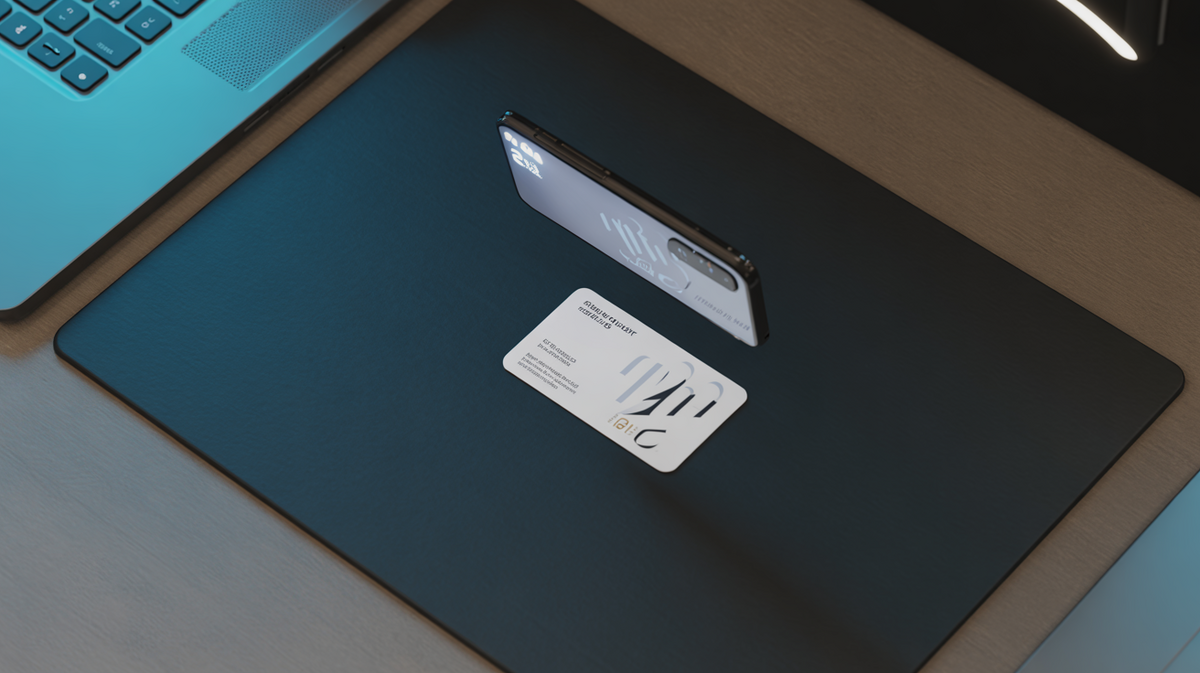
Open the Digital Registration scanner on any page where it appears. Tap the camera icon to take a live photo, or upload an image from your gallery. The scanner accepts JPG, PNG, HEIC, and WebP files.
Step 2 -- AI Extraction
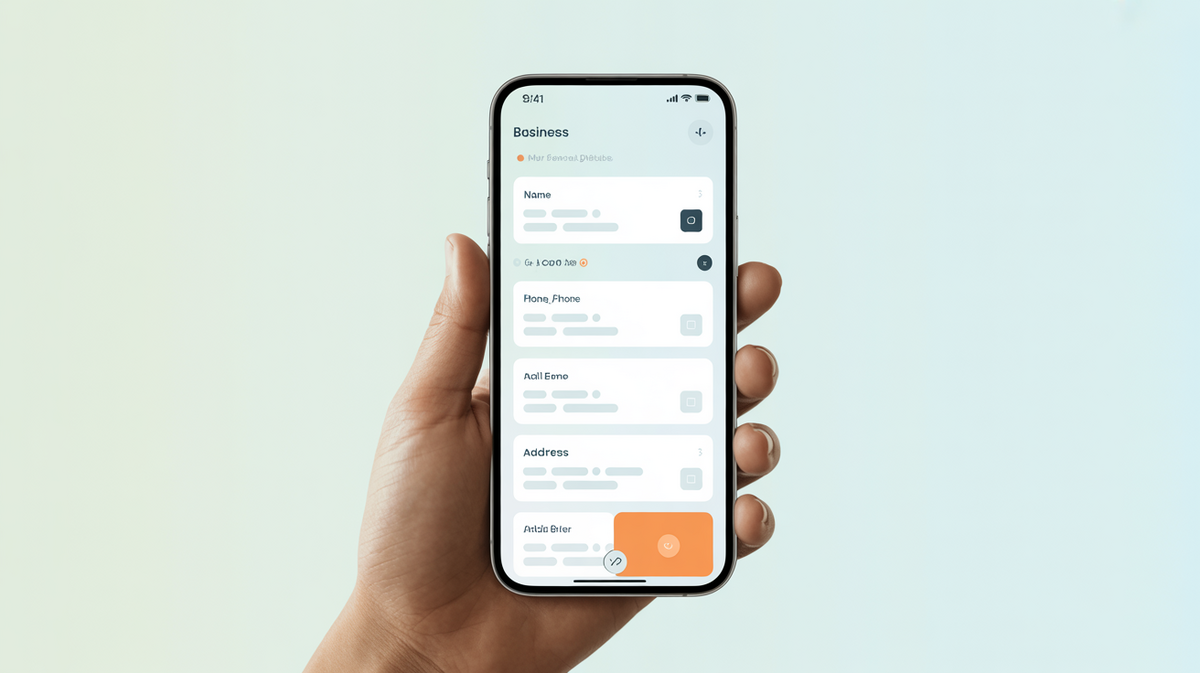
Our AI reads the card or flyer and pulls out structured data: business name, contact name, title, phone, email, website, full address, services offered, brands carried, product lines, social media links, and even a tagline if one is printed. Each scan includes a confidence score so you know how reliable the read was.
Step 3 -- Auto-Fill
The extracted data populates the registration form in front of you. Review it, make edits if needed, and submit. Done. One scan fills out the whole form -- whether you are claiming a directory listing, applying to the dealer network, or setting up a seller profile.
Where You Can Use It
The scanner is embedded in every registration flow on the platform:
- Claim a Directory Listing -- If your business is already in our 27,000+ Marine Directory, scan your card to auto-fill the claim form instead of typing everything manually.
- Apply to the Dealer Network -- Dealers and brokers can scan a card to fill their application in seconds. The AI is tuned to read dealership-specific info like brands carried and product lines.
- Seller Profile Setup -- Private sellers and small shops can use a card scan to populate their seller profile when listing engines, boats, or parts.
- Dedicated Scanner Page -- Head to /digital-registration for the full experience: explainer, live scanner, and links to every registration form on the site.
Who Is This For?
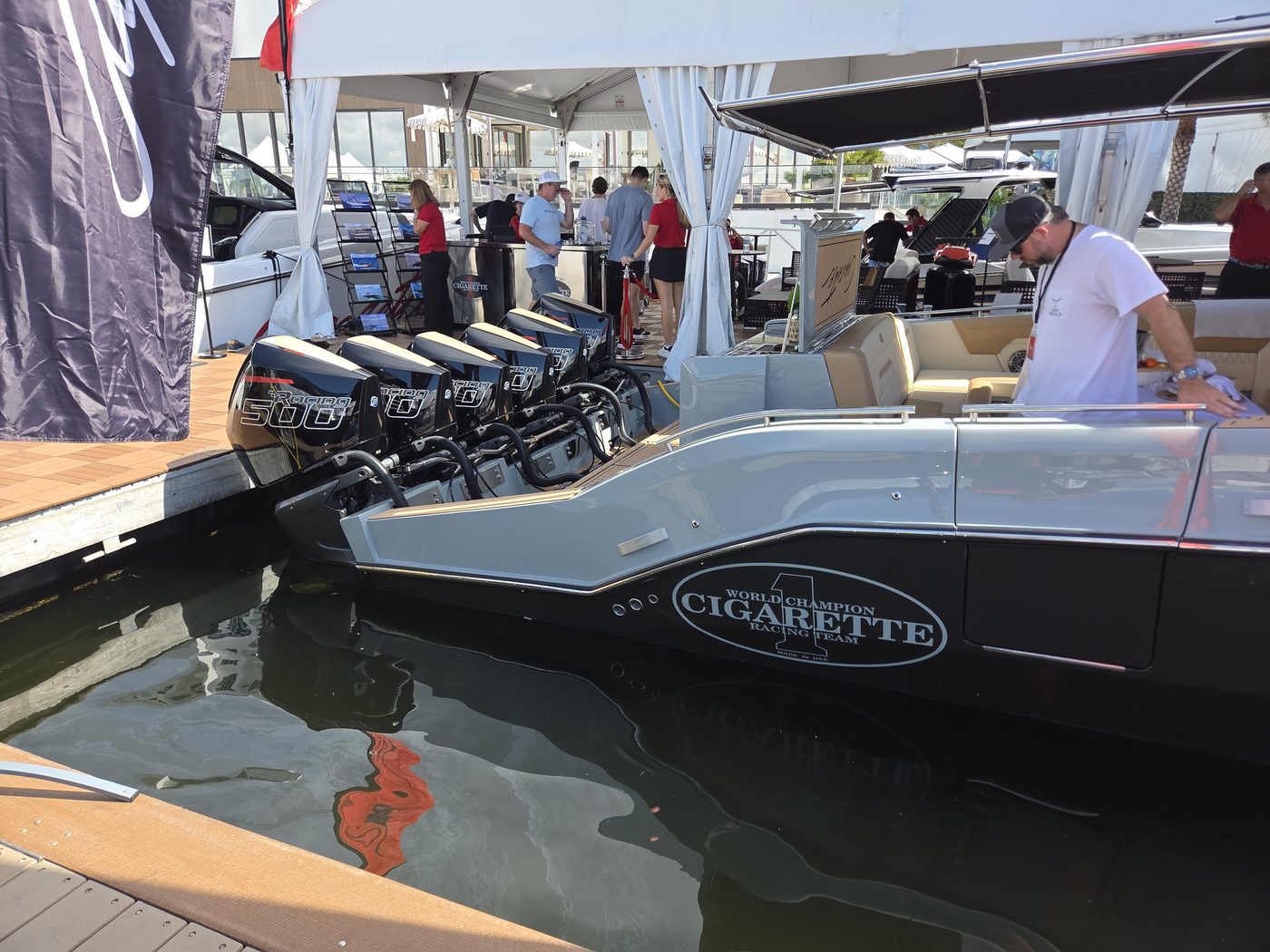
- Marine Dealers -- Walk the floor at a boat show, collect 30 cards, and register every one of them on OL without typing a single address.
- Sales Reps -- Visiting a new marina or service shop? Scan their card at the door, claim or create their directory listing on the spot, and hand them a printed confirmation before you leave.
- Service Shops & Mobile Mechanics -- Tired of re-entering your info on every platform? One scan, one time, multiple registrations.
- Boat Show Exhibitors -- Skip the clipboard line. Visitors scan your flyer and they are registered on the platform before they leave your booth.
What the AI Extracts
The extraction engine reads the following fields from a single image:
The AI is context-aware. When you scan from the Dealer Network application, it prioritizes dealer-specific fields like brands and inventory types. When you scan from the directory claim page, it focuses on service categories and location data.
Membership Required
Digital Registration is a paid-member feature. Any active membership tier -- Starter, Pro, or Business -- unlocks it. If you are not a member yet, the scanner shows an unlock prompt with a direct link to membership packages.
Free accounts can still register manually through every form on the site. Digital Registration just makes it faster.
What Comes Next
After your card scan fills out a registration form, the platform guides you to the next step automatically:
- List something for sale -- Engines, boats, trailers, parts.
- Join the forums -- Connect with other marine professionals.
- Read the Weekender -- Our weekly roundup of marine industry news.
- Place an ad -- Promote your business to thousands of boaters.
Try Digital Registration now: outboardlistings.com/digital-registration
Questions? Contact us or email [email protected].
OutboardListings.com is a product of Proxy1Media.com. PO Box 181, Jacksonville, FL 32234. For press inquiries, email [email protected].
Related: Digital Registration · AI Outboard Scanner · Dealer Network · Marine Directory